 CelebMaker
Use the outdated-content route when the website has already removed or replaced the picture and Google still shows the prior result. If opening the linked page reveals the unwanted image is still there, focus on the website or platform report first.
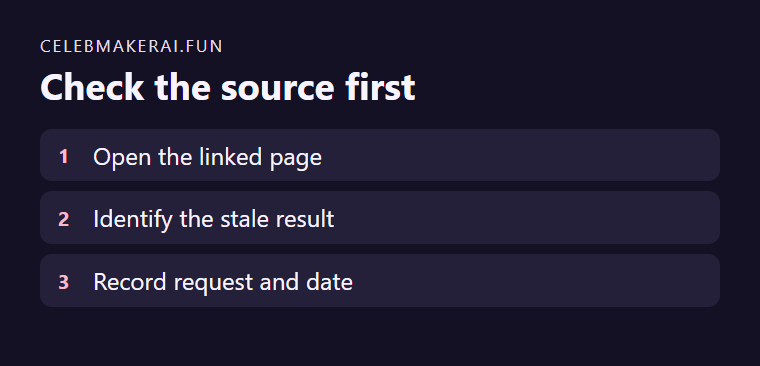
Verify two locations separately
Imagine that a gallery removed a synthetic portrait from its main page on Monday. On Wednesday, Google Images still shows the old thumbnail. Use the result’s source page to check what someone following the result can see now. A second copy under another post may still be live, even if the first page was changed.
In a note, put the source page address on one line and the exact search result link on another. Use the link offered by the browser or search result. A screenshot can help you remember the result, but it cannot replace the address that identifies the entry. Record the check date and time zone.
Choose the request by the result you see
Google Search Help describes separate Page and Image requests. Use the Image instructions for an outdated image result. Keep the page address in your note so you can distinguish multiple results that show the same thumbnail. The search refresh applies to the submitted result. Other copies may need their own checks.
If the tool finds the image still online, recheck the specific location you submitted. Opening a different gallery page or a redirected link can make two people report different conditions. If the source really changed, save your request reference and review its status before submitting duplicates.
For harmful material, rely on the appropriate private reporting route and collect only safe evidence. Do not repost the thumbnail to demonstrate the problem. That can spread the same image while you are trying to reduce its visibility.